

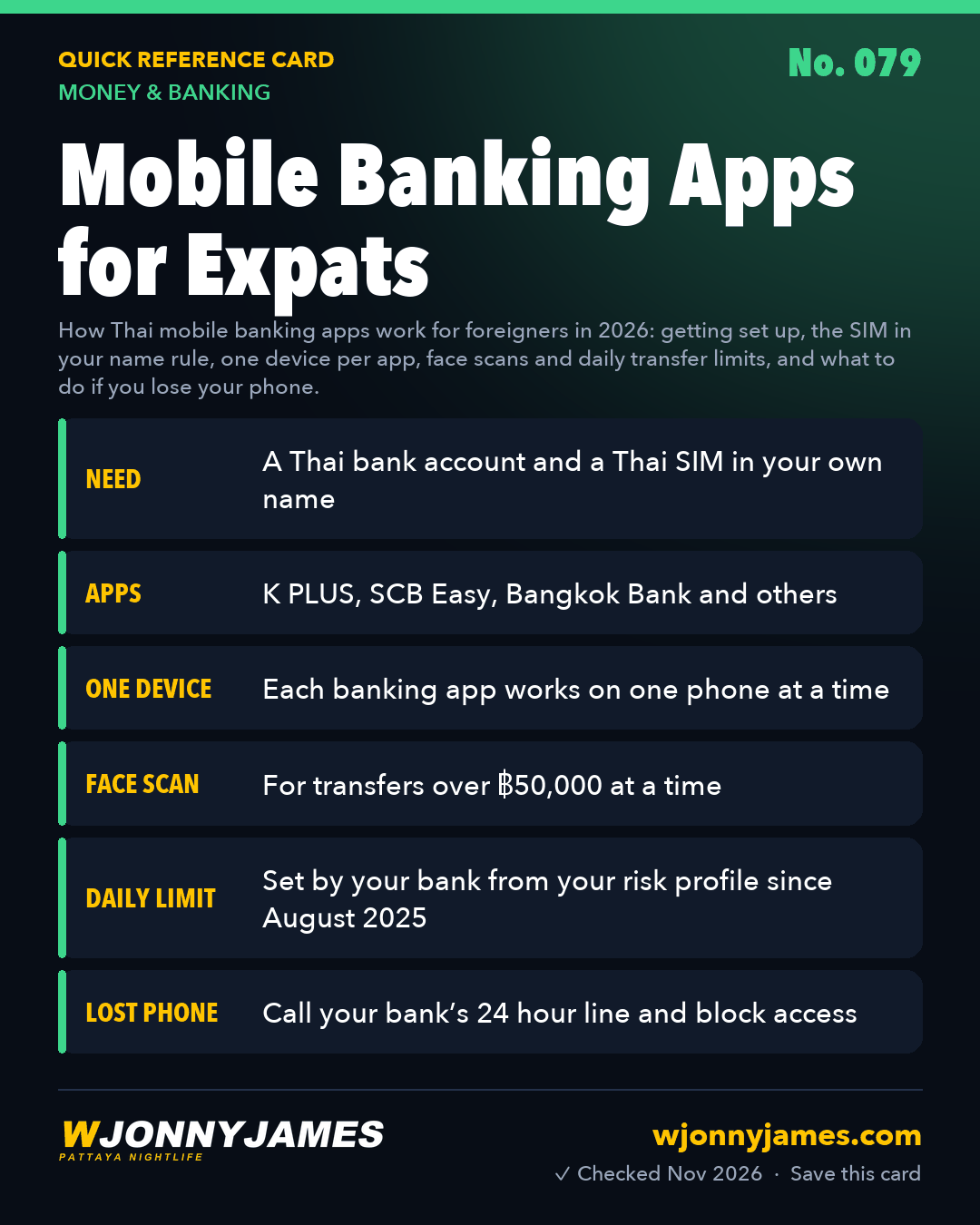
Quick answer: In Thailand almost everyone pays by scanning a QR code in a banking app, and once you have a Thai bank account you can too. The branch helps you install the app when you open the account. You need a living-in-pattaya/sim-cards-esims/">Thai phone number registered in your own name: since 2025, banks have suspended app access where the SIM owner’s name doesn’t match the account holder. The security rules are strict. Each app works on one phone only, transfers over ฿50,000 at a time need a face scan, and since August 2025 each bank sets your daily transfer limit from your risk profile. Lose your phone and you call the bank straight away.

At a glance
| What | Detail |
|---|---|
| You need | A Thai bank account and a Thai SIM registered in your name |
| Main apps | K PLUS (Kasikorn), SCB Easy (SCB), Bangkok Bank, and the other big banks’ apps |
| Language | The main apps have an English setting |
| Devices | One phone per banking app |
| Face scan | Transfers over ฿50,000 a time, or raising your limit above that |
| Daily limit | Set by the bank from your risk profile; reported as ฿50,000 a day as the standard level |
| Everyday uses | QR payments, transfers, PromptPay, bills, phone top ups |
Getting started
- Open a Thai bank account first. Most banks now want a long stay visa. See opening a Thai bank account.
- Get a Thai SIM in your own name. Since 16 May 2026 SIM registration is done in person with a face check, and you can hold up to three SIMs per network. See SIM cards and eSIMs.
- Give the bank that number. Staff usually help you download, register and activate the app at the branch, so bring your phone, charged.
- Switch the app to English in its settings, and turn on notifications so you see every payment.
- Link your phone number to PromptPay if you want friends to pay you without an account number. See QR payments and PromptPay.
The SIM in your name rule
In 2025, Thai banks began checking that the registered owner of your SIM matches the name on your bank account, as part of the fight against “mule” accounts used by scammers. Banks including Kasikorn, SCB, ttb and Bangkok Bank told customers to fix mismatches, and from mid July 2025 apps were suspended where names didn’t match. It mainly affects people whose SIM was registered by someone else, such as a friend, partner, agent or landlord.
If it happens to you, SCB’s published fix is typical: go to a branch with your passport and proof that the number is yours, such as a letter or receipt from the phone network. While the app is suspended you can still use ATMs, cash deposit machines and branches. The simplest prevention is to register the SIM in your own name at the network’s shop with your passport.
What you can do in the app
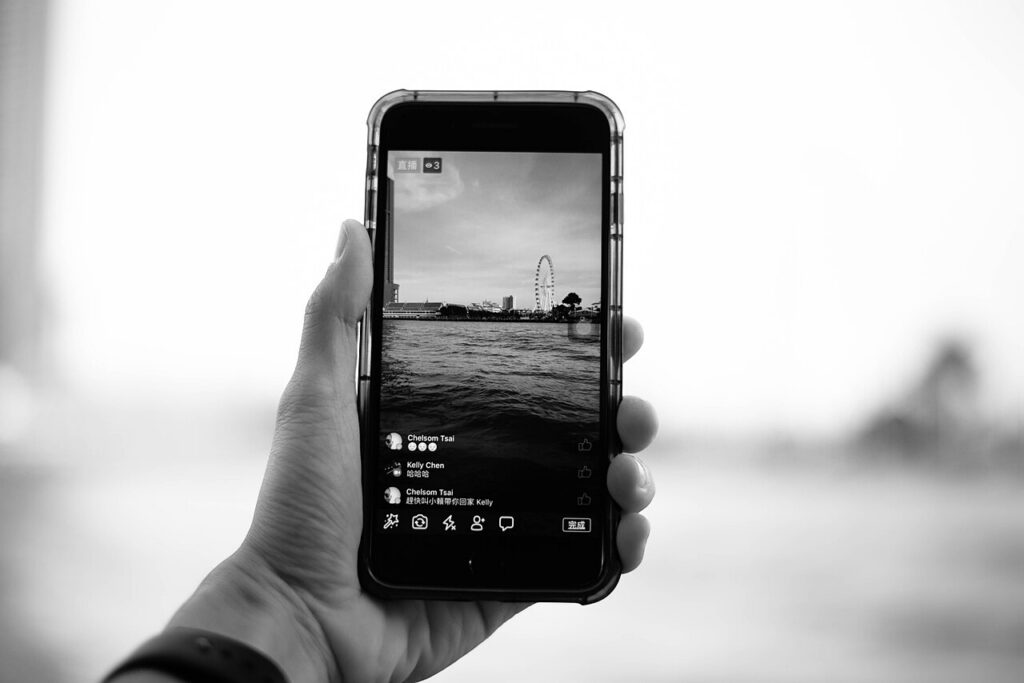
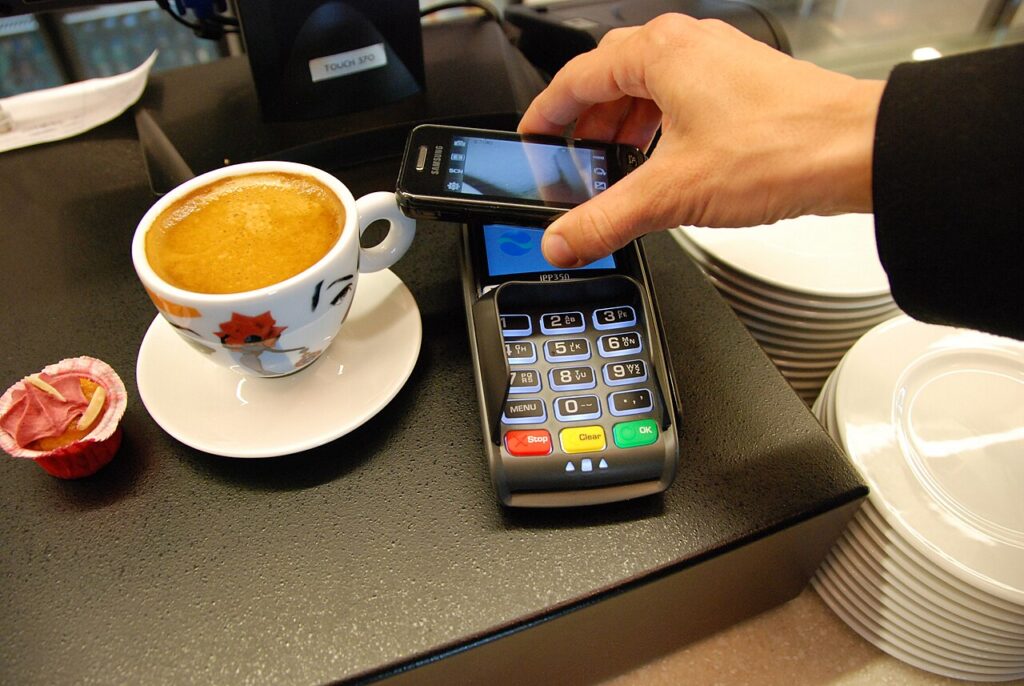
- Scan QR codes to pay in shops, restaurants, markets and bars.
- Transfer to any Thai account or PromptPay number in seconds.
- Pay electricity, water, internet and phone bills. See utilities and bills.
- Top up a prepaid phone or buy a data pack.
- With K PLUS, make a QR code to deposit cash at 7-Eleven. See depositing cash at 7-Eleven.
- Receive money sent from home. See sending money to Thailand.
Pro tip: I prepay my dtac plan every month, a 50GB pack at 10Mbps, through my Kasikorn account.
Security rules you’ll meet
The Bank of Thailand has pushed banks to make apps harder to abuse. What it means for you:
- One device: each bank limits your mobile banking to one phone. Setting the app up on a new phone means verifying again, and the old one stops working.
- Face scans: needed for transfers over ฿50,000 per transaction, and when raising your limit above that.
- Daily limits: since 8 August 2025, banks set each customer’s daily transfer limit by risk profile. Pattaya Mail reported ฿50,000 a day as the standard level, adjusted for your history; ask your branch if you regularly need more, for example to pay rent or buy a scooter.
- No links in bank messages: banks must not send messages with embedded links. A text message “from your bank” with a link in it is a scam.
- Mule account warnings: banks check transfers against fraud lists and must warn you before a payment completes. If your app warns you about a recipient, stop and check.
- Rooted or jailbroken phones: banking apps may refuse to run on them.
- Never share a one time code or your PIN. Banks never ask for them by phone. For scams, call 1441. See common scams and online safety.
Lost or new phone
- Call your bank’s 24 hour contact centre straight away and ask them to suspend mobile banking and your card. The number is on the bank’s website and the back of your card, so save it somewhere other than your phone.
- Get your Thai number back on a new SIM at the network’s shop with your passport, so you can receive codes again.
- Then set the app up on the new phone. Expect to verify again, possibly at a branch with your passport.
Travelling abroad
- Some apps limit use outside Thailand or with a foreign SIM. Check with your bank before you go.
- Keep your Thai SIM active, with roaming or a cheap top up, so you still get codes.
- If you’ll be away a long time, make sure your registered address and phone details are current, SCB, for example, asks customers to renew their details every two years.
Common questions
Can foreigners use Thai banking apps? Yes, once you have a Thai bank account. You need a Thai phone number registered in your own name.
Why was my banking app suspended? Often because your SIM is registered in someone else’s name. Take your passport and proof of the number to a branch, or move the SIM into your name.
Can I use my banking app on two phones? No. Each bank allows mobile banking on one device. Moving to a new phone means verifying again.
What is the daily transfer limit? Your bank sets it from your risk profile. ฿50,000 a day is reported as the standard level; ask your branch to raise it if you need more.
Sources
Checked 13 November 2026: Bank of Thailand, anti fraud measures; Pattaya Mail, daily transfer limits from 8 August 2025 (20 August 2025); Mobile ID World, SCB’s SIM name matching rule (July 2025). Reports differ on how the daily limits are tiered, and each bank applies the rules in its own way, so ask your bank.
Related guides

Related pages
 💸 Money & BankingATM Fees in Thailand
 💸 Money & BankingDepositing Cash at 7-Eleven
 💸 Money & BankingBest Exchange Rates in Pattaya
 💸 Money & Banking7-Eleven Stamps in Thailand: What They’re For and How to Use Them
 💸 Money & BankingCash, Cards or QR? Paying in Pattaya
 💸 Money & BankingOpening a Thai Bank Account
Ride along with Jonny
Every guide page comes from the nightly rides through Pattaya. Watch them, ask questions in the community, or help keep the camera rolling.
Watch the rides Join the Telegram Leave a tip Support the rides

 ไทย
 中文
 Русский
 한국어
 Deutsch
 Français