

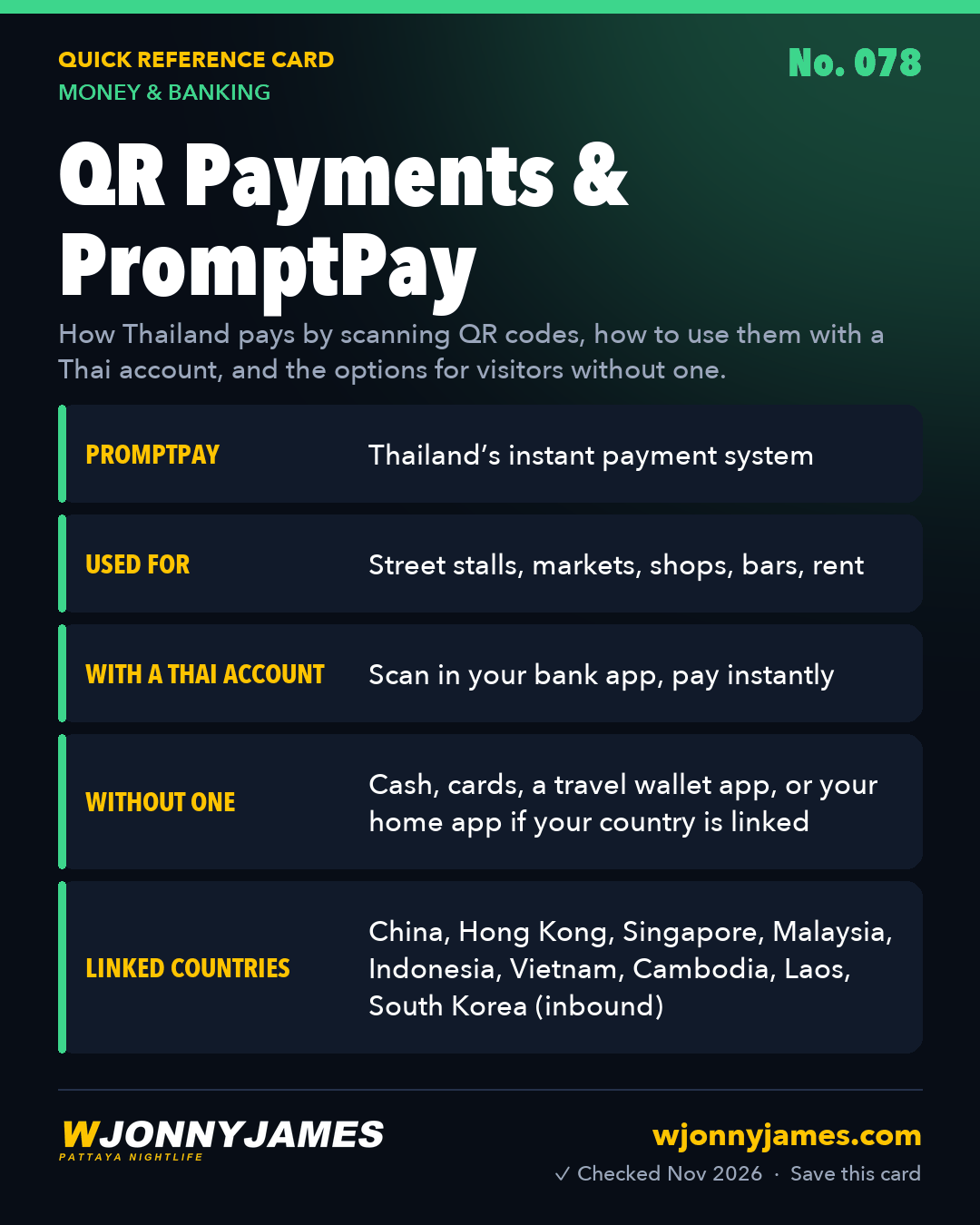
Quick answer: Almost every shop, stall, market and bar in Pattaya has a QR code by the till. Thais scan it with their banking app and the money arrives instantly; the system behind it is PromptPay. With a Thai bank account you can do the same. Without one, you have three options: visitors from about nine linked countries can scan with their own home banking or wallet app, travel wallet apps let you top up from a foreign card and scan Thai QR codes, or you just pay cash, which still works almost everywhere.

At a glance
| You have | How you pay a Thai QR code | Notes |
|---|---|---|
| A Thai bank account | Scan in your bank app (K PLUS, SCB Easy, Bangkok Bank and others) | Instant and free for normal payments |
| A bank or wallet from a linked country | Scan with your home app | China, Hong Kong, Singapore, Malaysia, Indonesia, Vietnam, Cambodia, Laos, South Korea |
| A foreign card only | A travel wallet app topped up from your card | Check exchange rate and fees before loading |
| Nothing digital | Cash | Small notes are easiest |
How Thai QR payments work
PromptPay is Thailand’s national instant payment system, run with the Bank of Thailand. Each shop has a static QR code linked to its bank account or PromptPay ID. You scan it, type the amount (or it is already filled in on a printed receipt or card machine screen), check the name, and confirm. The money moves in seconds, any time of day. It costs the customer nothing for normal domestic payments, which is why even the smallest street stall uses it.
With a Thai bank account
Open your bank app, tap scan, point it at the QR code, check the amount and the shop name, and confirm. The seller will usually ask to see the confirmation on your screen. You can also link your phone number or ID to PromptPay so friends can pay you without your account number. See opening a Thai bank account and mobile banking apps.
If your country is linked to Thai QR
The Bank of Thailand lists QR payment links with these places, so visitors can scan Thai QR codes with their own app:
- China: UnionPay, Alipay and WeChat Pay (paying in Thailand only; this link was added in late 2025).
- Hong Kong (FPS), Singapore (NETS), Malaysia (DuitNow), Indonesia (QRIS), Vietnam (VietQR), Cambodia (KHQR) and Laos (LAO QR), in both directions.
- South Korea, through the Paybooc app (paying in Thailand only).
Your bank converts the baht at its own rate, so check what it charges. The list is growing: the Bank of Thailand’s cross border payments page has the current one. Singapore also has a person to person link (PromptPay to PayNow) for sending money by phone number, limited to ฿25,000 or SGD 1,000 a day in its first phase.
The tourist wallet: TAGTHAi Easy Pay
TAGTHAi Easy Pay is an e wallet for foreign visitors, promoted by the Tourism Authority of Thailand and run with Kasikornbank. Going by TAGTHAi’s own pages (checked November 2026):
- It is for foreign nationals aged 20 or over, one wallet per person, and you register with your passport at a Kasikornbank (KBank) foreign exchange counter.
- You load it by exchanging foreign cash at those counters; Thai baht cash can’t be loaded directly.
- It scans Thai QR codes like a Thai bank app. TAGTHAi says that from August 2026 it no longer needs a physical prepaid card, and that a linked foreign card can cover a payment when the balance is low, with limits (one source lists ฿1,700 per payment for that card route). Older guides still describe the card, so follow the current app.
We have not tested it ourselves, and we don’t recommend one wallet over another. Compare the exchange rate at the counter with a normal exchange booth before loading a large amount.
Limits and face scans (Thai bank accounts)
- Bank of Thailand rules since 2023: your app asks for a face scan for transfers over ฿50,000 at a time, over ฿200,000 in a day, or when you raise your limit above ฿50,000. Banks may set their own thresholds.
- Some banks cap foreign customers lower. TTB, for example, announced a ฿49,999 daily limit for foreigners from July 2025.
- Everyday QR payments are far below these limits, so they matter mainly for rent, deposits and big purchases. For those, pay at the branch or in two payments.
- If your passport or visa details at the bank are out of date, the app can block transfers. Update them at the branch when you renew your stay.
Paying rent and bills by QR or transfer
- Landlords and condo offices often send a QR code or account details by LINE. Check that the name shown before you confirm matches your landlord or the juristic office.
- Save the e slip from your app and send it back the same day. It is your receipt.
- Many utility bills carry a QR or barcode you can scan in your bank app or pay at 7-Eleven. See utilities and bills.
- For a deposit, ask for a signed receipt as well as keeping the slip.
Receiving money: your PromptPay ID
With a Thai account you can register a PromptPay ID: your living-in-pattaya/sim-cards-esims/">Thai phone number, or for foreigners usually a Thai tax ID or other ID the bank accepts. Friends can then pay you with just that number. You can also make your own QR in the bank app so people scan to pay you. Only register a phone number you control, since money sent to it goes to whichever account it is linked to.
Without a Thai bank account
- Cash still works almost everywhere. Keep small notes: ฿20, ฿50 and ฿100 are easiest at stalls and in baht buses.
- Cards work in malls, hotels, bigger restaurants and 7-Eleven, sometimes with a fee of around 2 to 3% at smaller shops. See cash vs card.
- Travel wallet apps and prepaid travel cards let foreigners pay Thai QR codes after topping up from a foreign card. Fees, exchange rates and limits vary a lot, and some need identity checks first, so compare before you load money and load only what you need.
- Some international money apps have added Thai QR payments; check in your app whether yours supports it yet.
- Grab and Bolt can be paid by card in the app. See Bolt and Grab in Pattaya.
Where you’ll meet QR codes in Pattaya
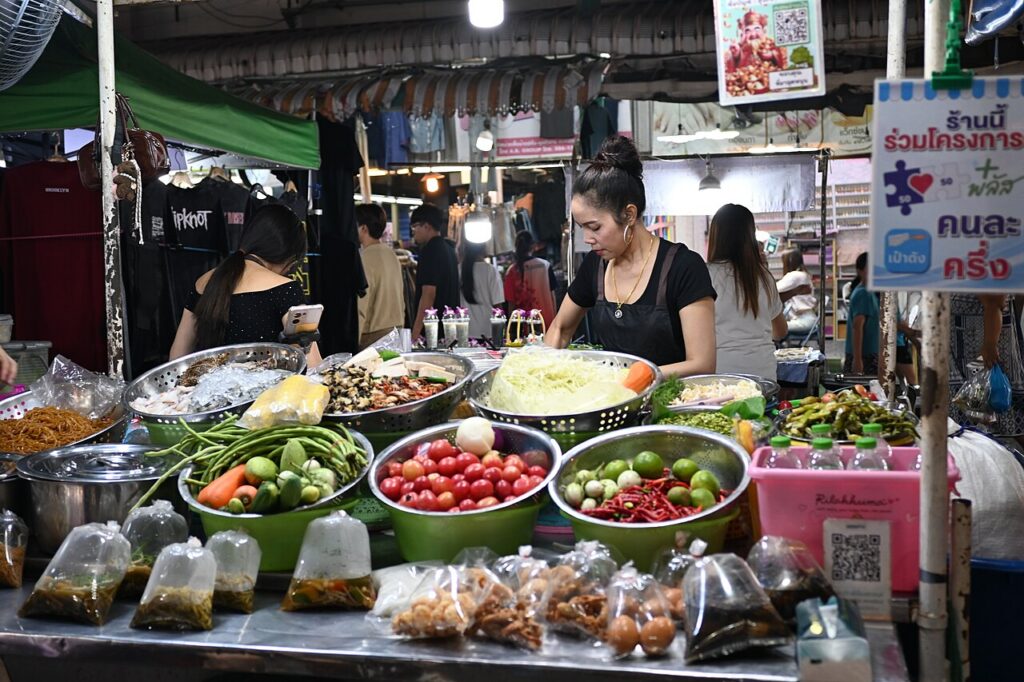
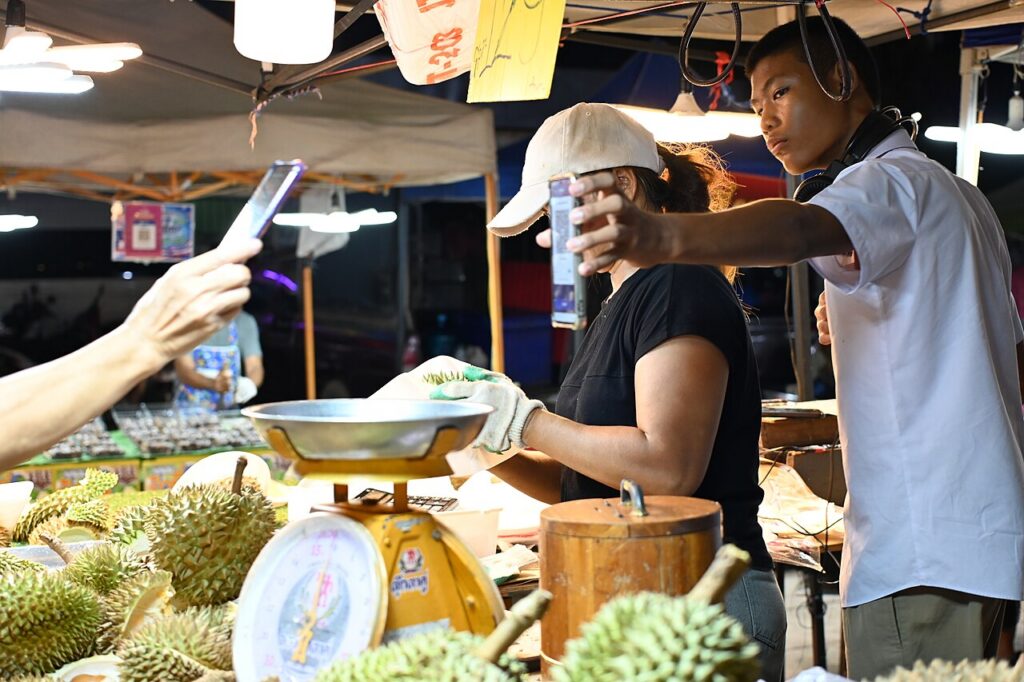
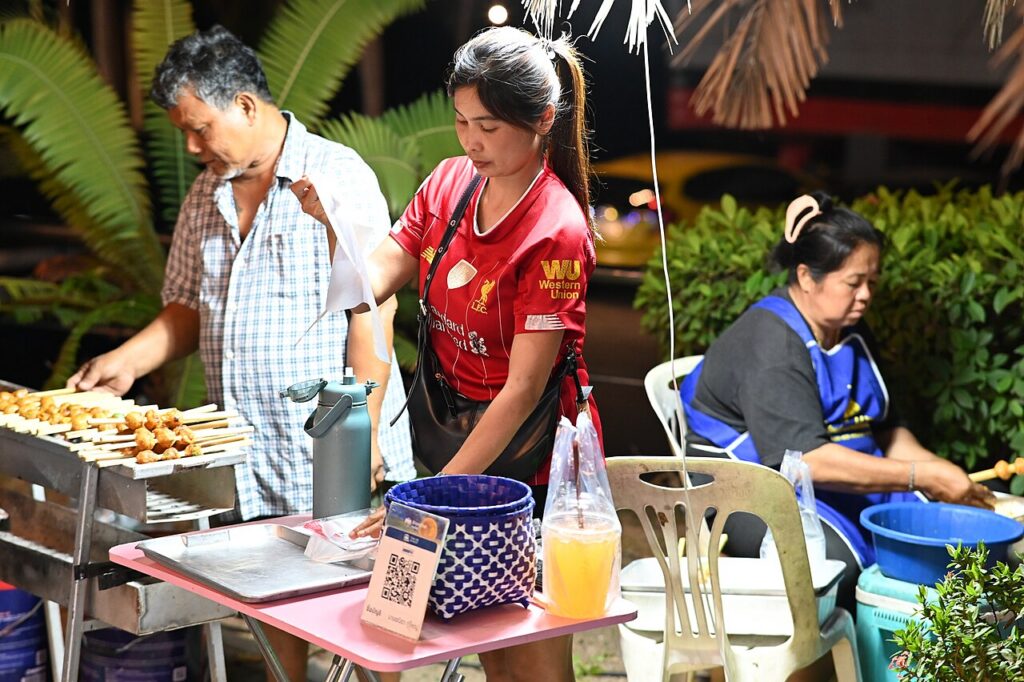
- food-deals/street-food/">Street food stalls, night markets and fresh markets.
- Small restaurants, coffee shops and massage shops.
- Bars, where the bill often comes with a QR code at the bottom.
- Rent, utility bills and condo fees, which landlords often prefer by transfer.
- 7-Eleven and supermarkets show a QR on the card machine screen.
Staying safe
- Always check the name that appears before you confirm. If it doesn’t match the shop, ask.
- Show the payment slip to the seller; they want to see it, and they check the real notification on their phone. Screenshots can be faked, so don’t be offended if they look.
- Never scan a QR code sent by a stranger online, especially one that claims you will receive money. Scanning a QR code is for paying, never for receiving. See common scams and online safety.
- Watch for QR stickers placed over a shop’s real code; check with staff if something looks stuck on.
- Set a daily transfer limit in your bank app, and turn on notifications so you see every payment.
- Never lend your account or app to anyone, even for a moment. Accounts used to pass on scam money (“mule accounts”) are frozen, and the account holder can face criminal charges in Thailand.
Pro tip: I pay my monthly dtac data pack straight from my Kasikorn app. Once you have a Thai account and the bank app, most of daily life here runs through it: food, top ups, bills.
When something goes wrong
| Problem | What to do |
|---|---|
| The app says failed, but money left your account | Don’t pay again. Check history; failed payments usually return within minutes. If not, call your bank with the reference number |
| You paid the wrong shop or amount | Ask the receiver to send it back. If they won’t, contact your bank quickly with the slip; banks can’t reverse a correct transfer on their own |
| The name shown doesn’t match the shop | Cancel and ask staff. It may be the owner’s personal name, which is common, or a fake sticker |
| Your app is locked or wants a face scan | Try the face scan in good light. If it fails, you’ll need the branch with your passport |
| Your phone is lost or stolen | Call your bank’s hotline to freeze the app, then change your SIM and passwords |
Common questions
Can tourists use PromptPay? PromptPay itself needs a Thai bank account. But tourists from linked countries can scan Thai QR codes with their own app, and anyone can use a travel wallet app topped up from a foreign card.
Is it free to pay by QR? For a Thai account, normal payments are free. Foreign apps and travel wallets may add exchange rate margins or fees, so check yours.
Do I need cash in Pattaya? Yes, still. Most places take QR, but some taxis, small stalls and baht buses are easier with cash, and it is a good backup if your phone dies.
What if the payment doesn’t go through? Don’t pay twice. Check your app’s history first and show the seller; failed transfers normally bounce back within minutes.
Can foreigners use TAGTHAi Easy Pay? Yes, if you are a foreign national aged 20 or over. You register with your passport at a KBank foreign exchange counter and load it with foreign cash.
Is there a limit on QR payments? Everyday payments are well within limits. Thai bank apps ask for a face scan over ฿50,000 a payment or ฿200,000 a day, and some banks cap foreigners lower.
Sources
Checked 15 November 2026: Bank of Thailand, cross border payment linkages; TAGTHAi, how to get Easy Pay; TAT News, TAGTHAi Easy Pay for visitors (March 2025); Bangkok Post, mobile banking security rules; TTB, limits for foreign customers (July 2025); Nation Thailand, PromptPay and cross border QR growth in 2026. Limits and wallet rules change; check your bank or app.
Related guides
Related pages
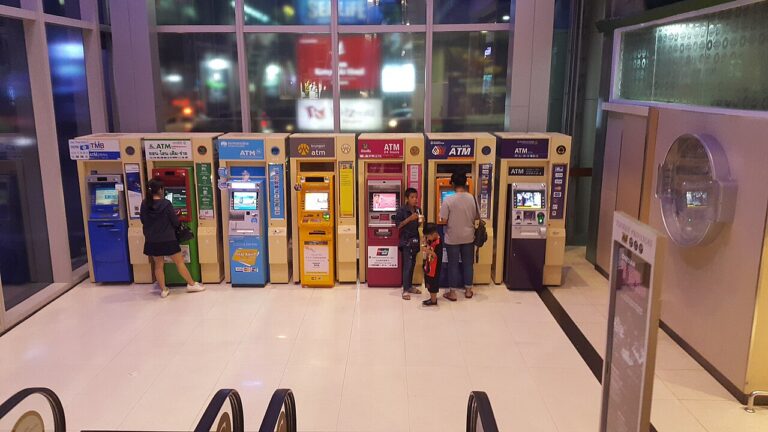 💸 Money & BankingATM Fees in Thailand
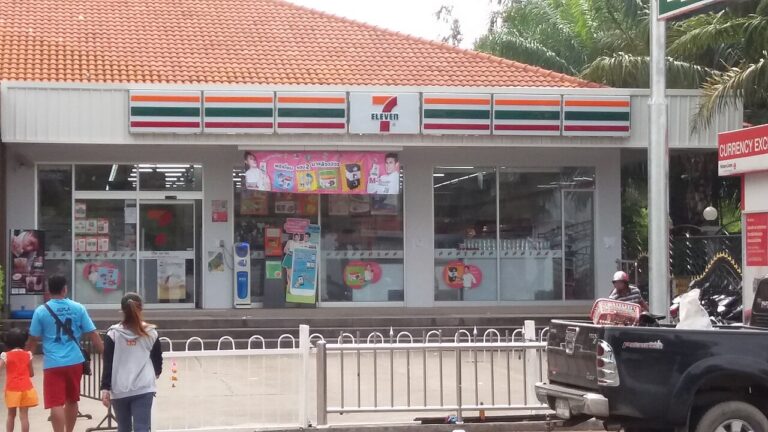 💸 Money & BankingDepositing Cash at 7-Eleven
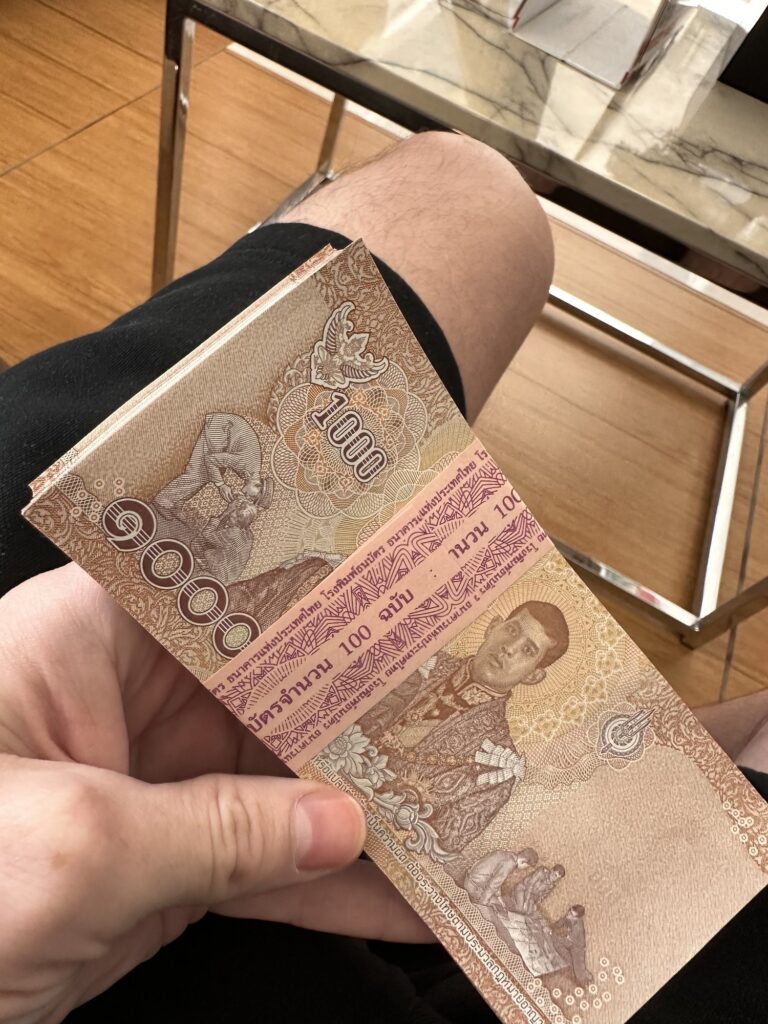 💸 Money & BankingBest Exchange Rates in Pattaya
 💸 Money & Banking7-Eleven Stamps in Thailand: What They’re For and How to Use Them
 💸 Money & BankingCash, Cards or QR? Paying in Pattaya
 💸 Money & BankingOpening a Thai Bank Account
Ride along with Jonny
Every guide page comes from the nightly rides through Pattaya. Watch them, ask questions in the community, or help keep the camera rolling.
Watch the rides Join the Telegram Leave a tip Support the rides

 ไทย
 中文
 Русский
 한국어
 Deutsch
 Français